Build a POS shortlist
Filter by business type before opening vendor pricing.
Jump to section →Build a practical shortlist, compare written quotes on the same sales, estimate payment costs, and arrive at vendor demos with questions about contracts, hardware, support, offline mode, and data export.
Independent planning aid · heuristic scores are not ratings · verify current prices and terms
Match the POS to how orders reach the register and what you need to export later, then compare written quotes on the same card sales. Use the shortlist for workflow fit, the fee estimator for one offer, and the quote comparison when you have two proposals.
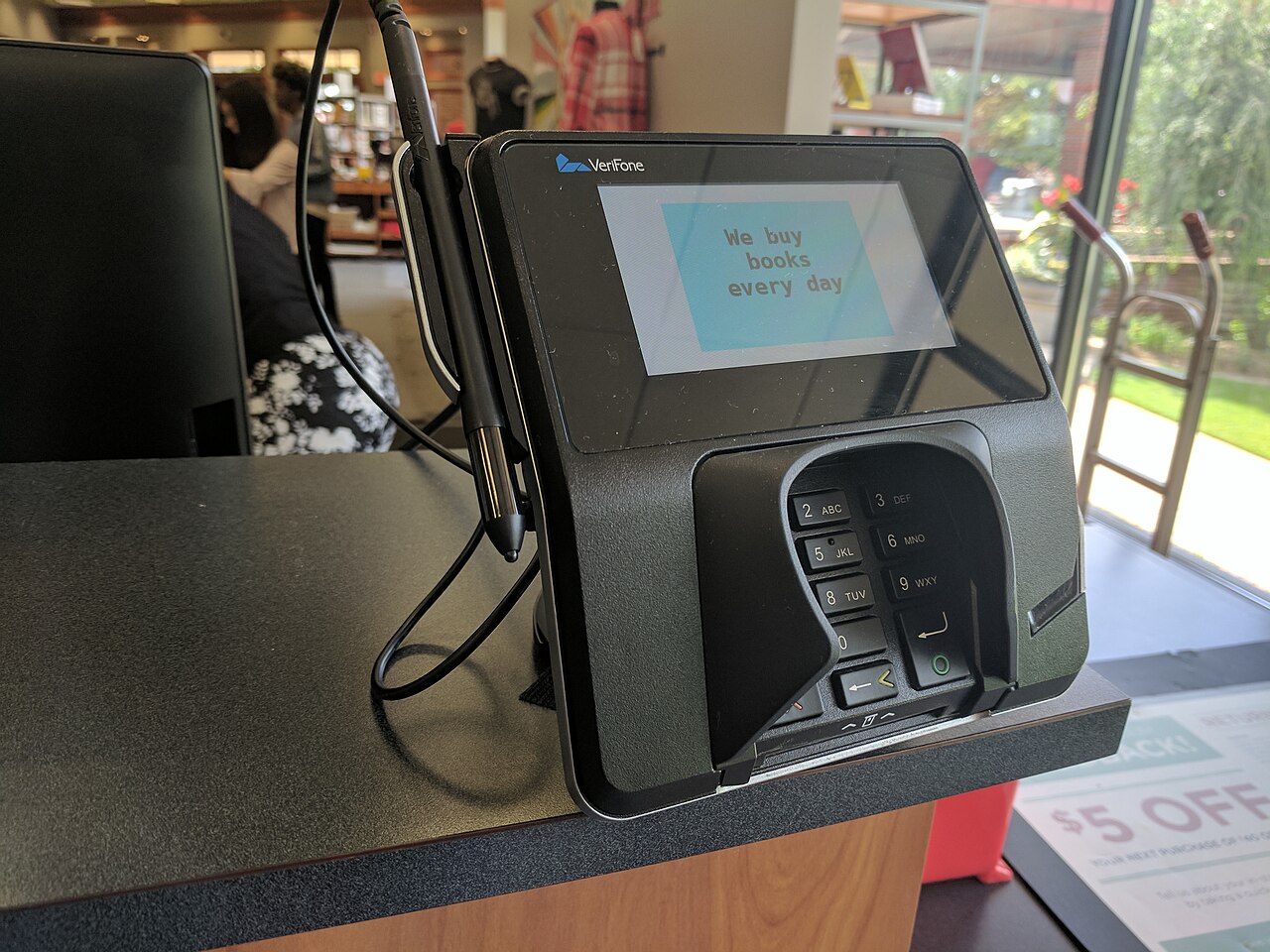
Checkout photo for context only. Fit still depends on the shop's workflow, written rates, hardware, contract, and export path.
Filter by business type before opening vendor pricing.
Jump to section →Compare both quotes on the same sales mix and spot the gaps.
Open →Turn one rate sheet into monthly cost and a three-year total.
Open →Check Square-listed printers, scanners, and drawers.
Open →The score is an editorial heuristic, not measured performance or a customer rating. Use it to narrow demos, not to sign a contract.
Best for: Simple retail and mobile sellers
Watch: Confirm industry mode, inventory depth, and plan tiers in writing.
Direct official link. No active partner commission is attached yet.
Best for: Retailers where ecommerce matters
Watch: Shopify says retailers that sell both in person and online get the most from its POS.
Direct official link. No active partner commission is attached yet.
Best for: Very small mobile sellers and simple counters
Watch: Confirm menu, inventory, and multi-location features for your SumUp plan in writing.
Direct official link. No active partner commission is attached yet.
Best for: Inventory-heavy retail and multi-store operators
Watch: Confirm software tier, inventory features, and processing in writing.
Direct official link. No active partner commission is attached yet.
Compare processing, per-transaction charges, software, add-ons, hardware, setup, annual fees, and cancellation costs over one contract term. Mark anything not in writing as unresolved and track what each seller promised in the worksheet.
Request a written quote. Card mix, rewards cards, keyed transactions, chargebacks, PCI fees, taxes, contract terms, and negotiated pricing can change the result.
About 893 transactions/month. 36-month processing, software, hardware, and setup estimate: $30,694.
Example only, built from the fee estimator's default inputs. These are generic values, not any vendor's quoted price. Replace every number with your written quote.
Each guide links back to this hub and the quote comparison tool. Start with your format, then normalize both written quotes on the same sales.
Filter source-backed Square hardware starting points before ordering a similar-looking model or the wrong interface version. Shopify records remain excluded until official rows are verified.
Use your card sales and transaction count before you treat a headline rate as the cost of the system.
Compare processing, per-transaction charges, software, add-ons, hardware, setup, annual fees, and cancellation costs over one contract term.
These guides turn a vendor demo into a repeatable buying process. Start with your business type, then test the risks most sales presentations skip.
Pick a bakery or café POS for counter speed, modifiers, kitchen tickets, tips, online pickup, and what still works when internet drops.
Open guide →Choose a retail or gift shop POS for variants, inventory, gift cards, returns, ecommerce sync, and clean data export before you sign.
Open guide →Choose a mobile POS for battery life, weak signal, prep tickets, tips, and how offline card sales settle after an event.
Open guide →Prepare for internet, payment-terminal, printer, register, and cloud-service outages with vendor questions and a practical store fallback plan.
Open guide →Protect product, customer, gift-card, sales, tax, inventory, and order data before moving to or leaving a point-of-sale system.
Open guide →Compare Clover offers by processor, reseller, hardware ownership, software plan, processing rates, contract, support, and cancellation terms.
Open guide →Budget registers, payment terminals, printers, scanners, cash drawers, kitchen displays, networking, spares, installation, and replacements.
Open guide →Use one repeatable scorecard for POS demos covering workflow, payments, hardware, support, offline operation, contracts, and data export.
Open guide →Compare POS processing rates, transaction fees, software, add-ons, hardware, setup, annual fees, and cancellation costs using one sales scenario.
Open guide →Profiles summarize likely fit and a major caution. They are not hands-on reviews, current price quotes, or paid rankings.
Best for: Simple retail and mobile sellers
Watch: Confirm industry mode, inventory depth, and plan tiers in writing.
Official site ↗Best for: Retailers where ecommerce matters
Watch: Shopify says retailers that sell both in person and online get the most from its POS.
Official site ↗Best for: Inventory-heavy retail and multi-store operators
Watch: Confirm software tier, inventory features, and processing in writing.
Official site ↗Best for: Restaurants, retail, and mixed food-and-retail concepts
Watch: Toast also sells a retail POS. Confirm which restaurant and retail modules your quote includes.
Official site ↗Best for: Shops considering hardware bundles through banks or processors
Watch: Terms can depend heavily on the reseller and processor.
Official site ↗Best for: Restaurants wanting restaurant-specific workflows
Watch: TouchBistro says it is not a good fit for retail businesses, independent food trucks, or catering companies.
Official site ↗Best for: Very small mobile sellers and simple counters
Watch: Confirm menu, inventory, and multi-location features for your SumUp plan in writing.
Official site ↗Best for: Specialty retail, ticketing, and regulated-inventory niches
Watch: KORONA lists retail, ticketing, and quick-service setups. Confirm which one your quote covers.
Official site ↗Ask for answers in writing and attach them to your decision record. A polished demonstration is not evidence that migration, offline operation, support, or cancellation will work as expected.
Build a workflow-first shortlist, collect written rates for each payment type you use, and run both quotes in the comparison tool with identical monthly sales, average ticket, and contract term. Do not assume the lowest card-present rate is the lowest total cost.
Use the demo scorecard on this hub: one realistic basket, one failure scenario, written processing rates, sample data export, offline limits, support hours, and cancellation terms. Attach answers to your quote record.
Bakeries and cafés should start with the counter-speed and kitchen-routing guide. Retail and gift shops should start with inventory, variants, and export questions. Food trucks and mobile sellers should start with power, connectivity, and offline settlement.